Shops & boutiques
Give people a reason to step inside.
Show the feel of your shop before someone makes the trip. Turn photos of one browsing area into a tour for your website, social profile or next customer email.
For shops, stays, studios & homes
Upload photos of one space. Roam turns them into an interactive AI tour you can send by link or add to your website. Let people look around before they visit or book.
Choose photos first. Verify your email when you’re ready.
3 free previews. No card required.
Try your photos before you pay. An HD tour with a social video is $19, one time.
AI can change layouts and details. Compare your preview with the original photos before sharing.
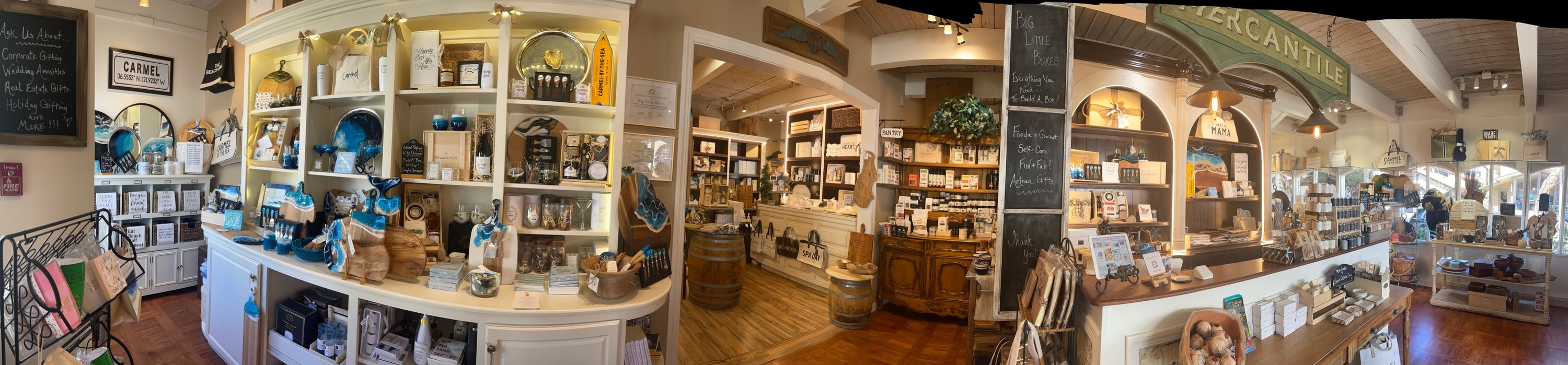
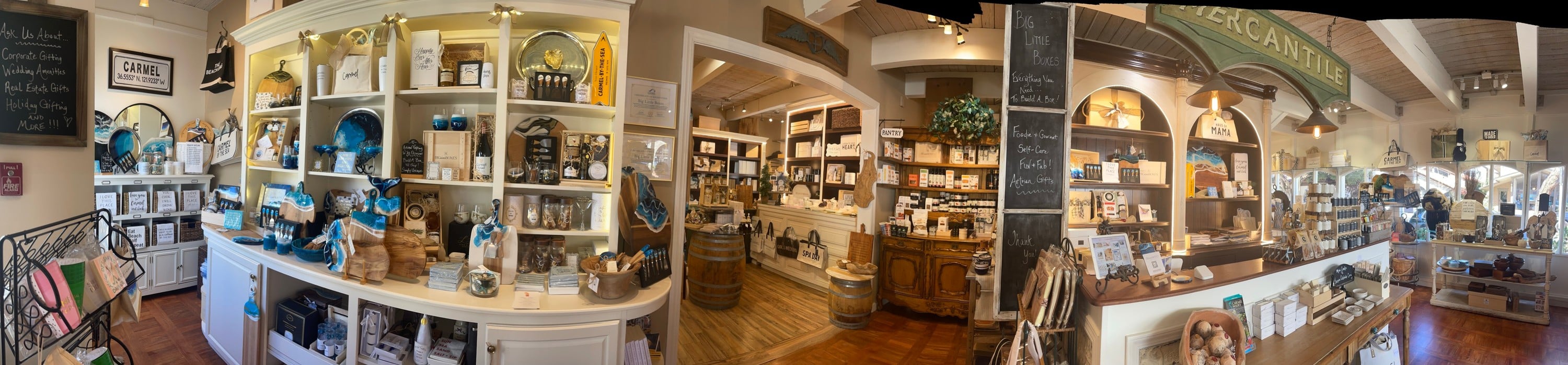
A real gift shop, made from one panorama. Switch to the tour and drag to look around. AI-generated details may differ.
Usually 5–15 minutes after generation starts
01
Choose 4–8 overlapping photos of one room or connected area. You can also use a true 360° panorama or a short walkthrough video.
02
Verify your email, then we generate your preview. Check the layout and details against your photos. You decide whether to upgrade.
03
Send the tour link or add it to your website. Want HD and a social video? Upgrade for $19 after reviewing your preview.
Create it. Share it.
A page with your tour, original photos and booking link. Send it in an enquiry, message or social bio.
Copy your tour code into a compatible website’s HTML or embed block. We show you how.
HD includes a 15-second portrait MP4: a camera pan through your generated panorama, ready to review and post.
Open an email draft with your tour link, or paste the link into your next newsletter.
Made for places people visit
Shops & boutiques
Show the feel of your shop before someone makes the trip. Turn photos of one browsing area into a tour for your website, social profile or next customer email.
Hotels & stays
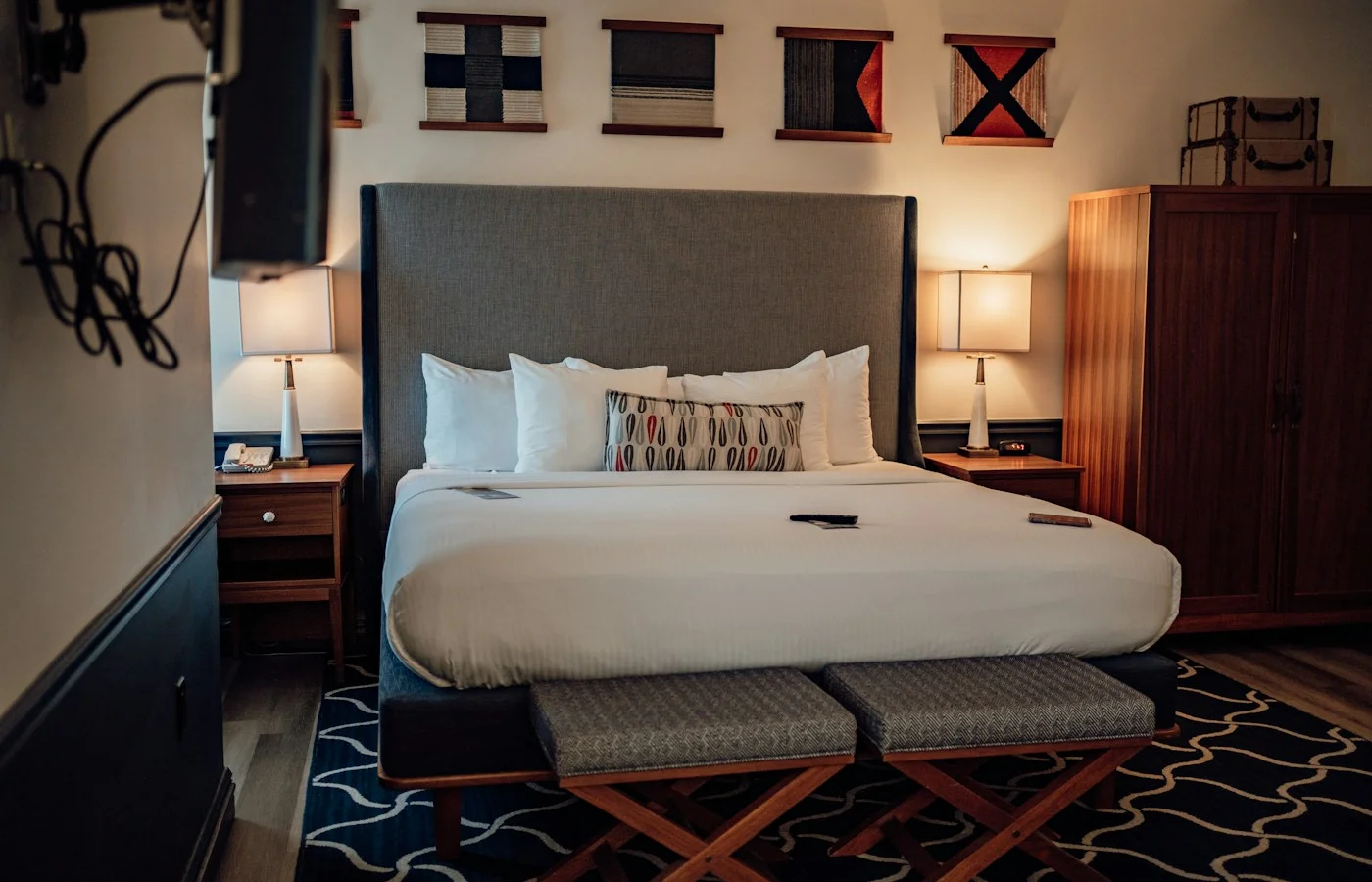
Turn photos of a guest room into a tour on your own website. Add a button to your existing booking page so guests know where to go next.
Studios & creative spaces
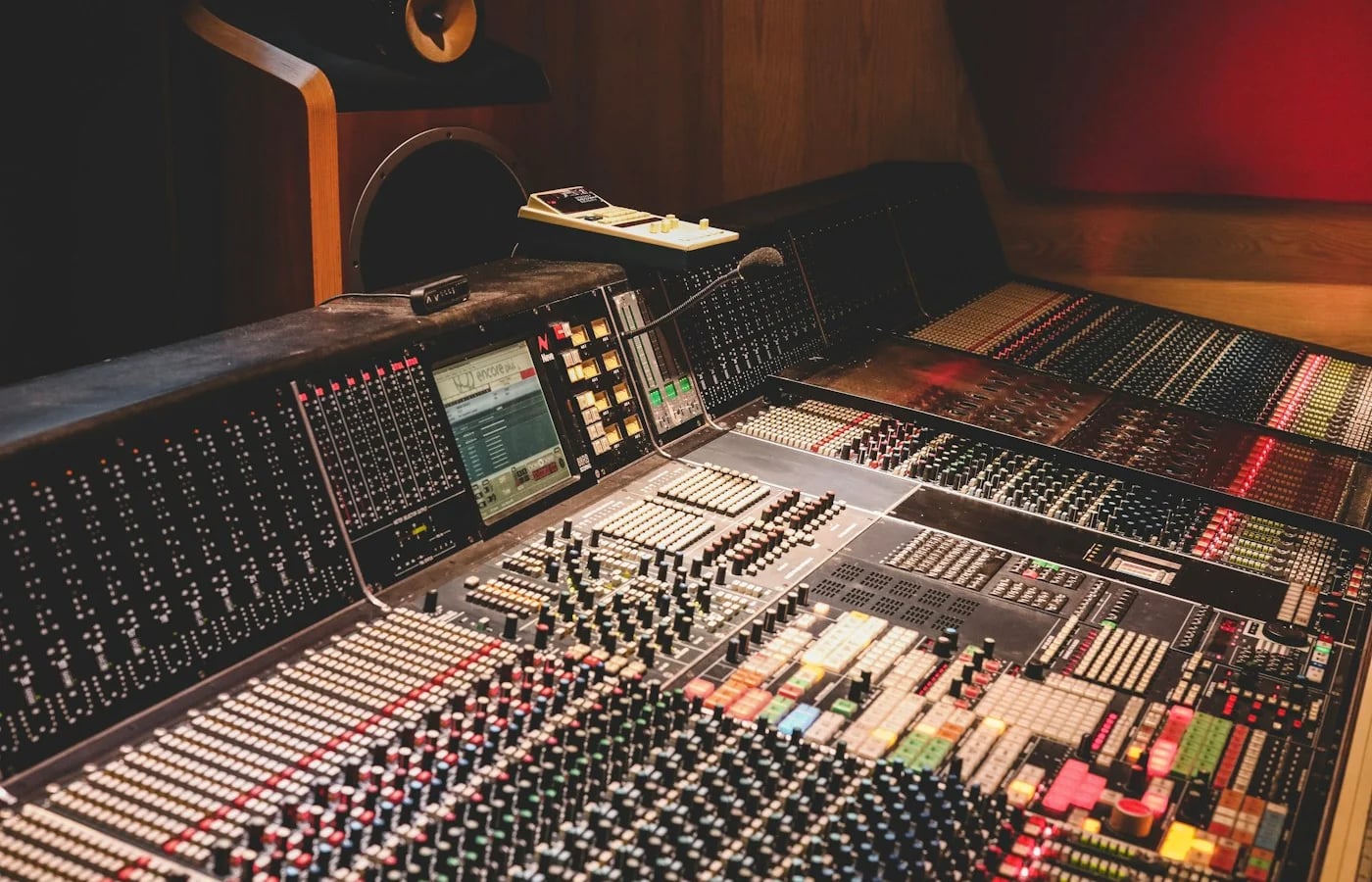
Give artists and clients a look inside before they enquire. Start with photos of your live room, control room or creative workspace, then share one tour link.
Real estate
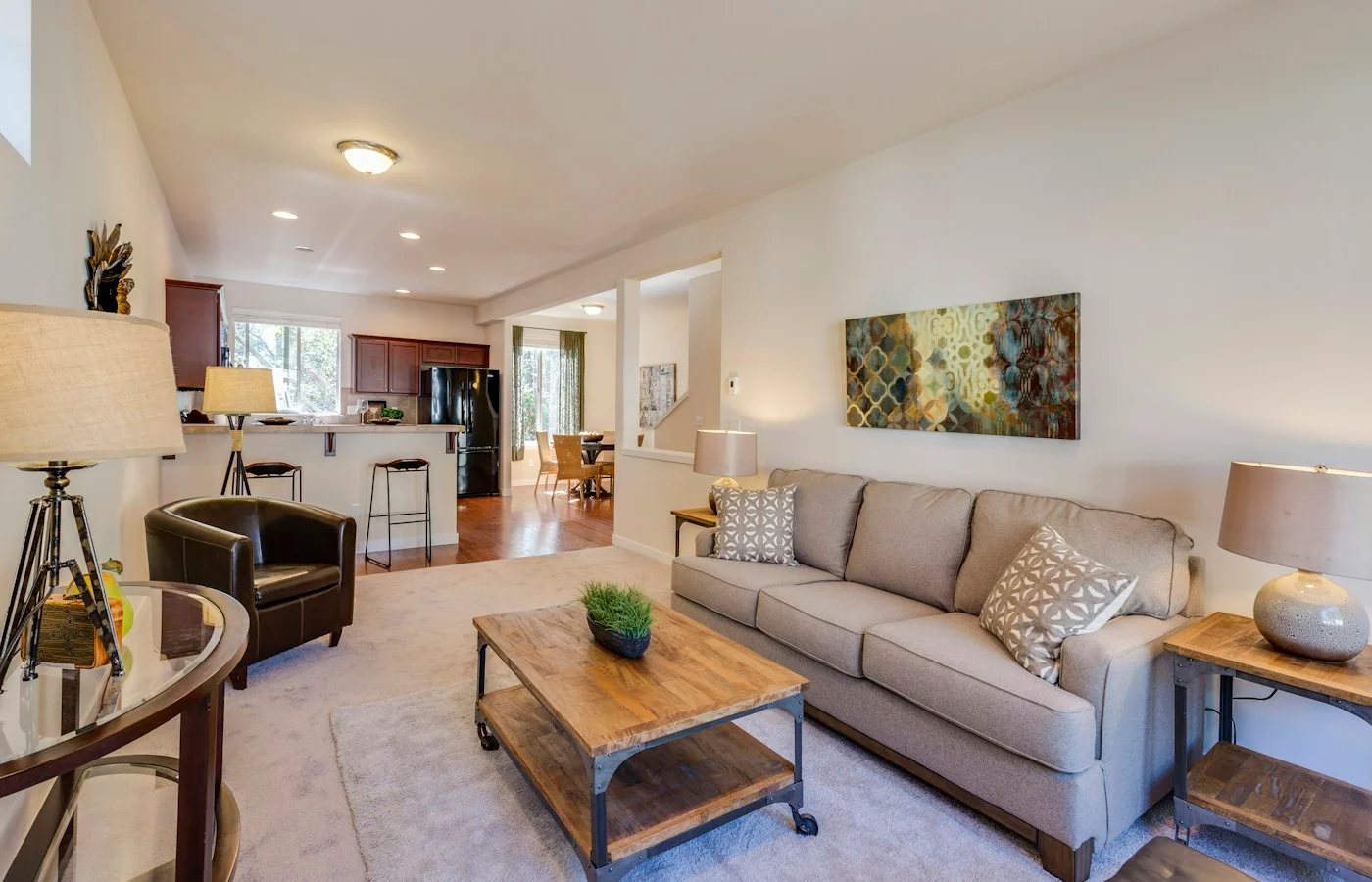
Use your existing photos to create an AI tour of one room. Share it alongside the original listing photos, with a clear next step to request a viewing.
Hotel, studio and home photos illustrate the spaces you can share. Big Little Boxes is a real Roam example. Showing an event space? Start a venue tour.
Pricing
Start free. Upgrade one tour for $19, or choose Pro if you create tours regularly.
Preview
Free
3 free AI preview generations per account. Review and share your draft before choosing HD. No card required.
Try a free previewOne HD tour
One-time payment$19
One HD generation with a share page, embed code, QR code and a 15-second portrait video. No monthly subscription.
Start with a free previewPro
$79/mo
10 HD tours a month. A social video with every HD tour. Your branding, plus optional copy and QR signs to help you share.
Start with a previewChoose the right starting point
Learn what to upload, what AI can reconstruct, and how to use your tour on your website and in your marketing.
Email Michael for help choosing your starting point. Hands-on rendering and custom setup are quoted separately before work begins.
Get help with your tour →Before you start
Start with one space. Four to eight overlapping photos in good light give the model more context. Keep the camera level and avoid mixing rooms. A single photo also works; unseen areas will be inferred. A genuine 360° panorama can give the model more layout information. A narrow phone panorama is not the same thing.
No. Roam creates an AI interpretation from your photographs, including areas the camera did not capture. Layout, objects and lettering can differ. Compare the free preview with your originals. Do not use a tour for measurements or as a guarantee of a property’s condition.
Send your public tour link in a message, booking enquiry or social post. Add the iframe to your own website if it supports custom embeds. Listing platforms have their own rules; they may accept a link but not an embedded viewer.
HD generates a fresh, more detailed tour and includes a 15-second portrait video for social. It can produce richer detail, but it is a new interpretation, not a guaranteed exact copy of the draft. Your existing preview stays accessible during the upgrade.
No. One HD tour costs $19. Pro is $79 per month for 10 HD credits, white-label share pages and optional sharing tools. You can cancel future renewals in billing settings; unused paid credits stay on your account.